I have followed this guide and tried to install the hailo apt all package
How to set up the Raspberry Pi AI Kit with Raspberry Pi 5 - Raspberry Pi
but I get an error message stating that
Unable to locate package hailo-all
I have tried both on Raspberry pi os for pi 5, both desktop and server
I have tried Ubuntu desktop and server
None of them seem to have the package.
My setup is
Raspberry pi 5
Raspberry Pi AI HAT+
any one getting it to work?
KlausK
December 5, 2025, 6:36pm
2
Welcome to the Hailo Community!
Yes, I just did a test install from scratch. Everything works as expected.
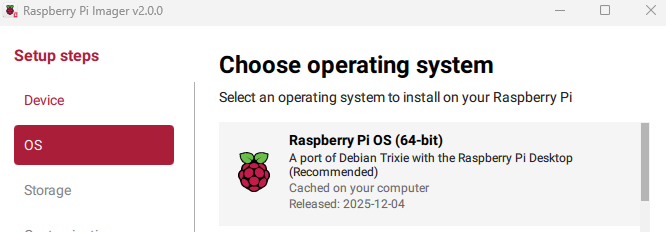
I used the new Raspberry Pi Imager v2.0.0 and selected the latest Raspberry Pi OS (64-bit ) - Debian Trixie
Then I followed the instructions from the official documentation:
Raspberry Pi - Documentation - AI
sudo apt update
sudo apt upgrade
sudo apt install dkms
sudo apt install hailo-all
Then reboot the Raspberry Pi and continue with the guide.
Ok, thanx for your reply I did get that to work, but then I tried to install frigate and frigate only supports version 4.21 of the driver, so I tried to downgrade it, but that didn’t work either. so now I’m trying bookworm