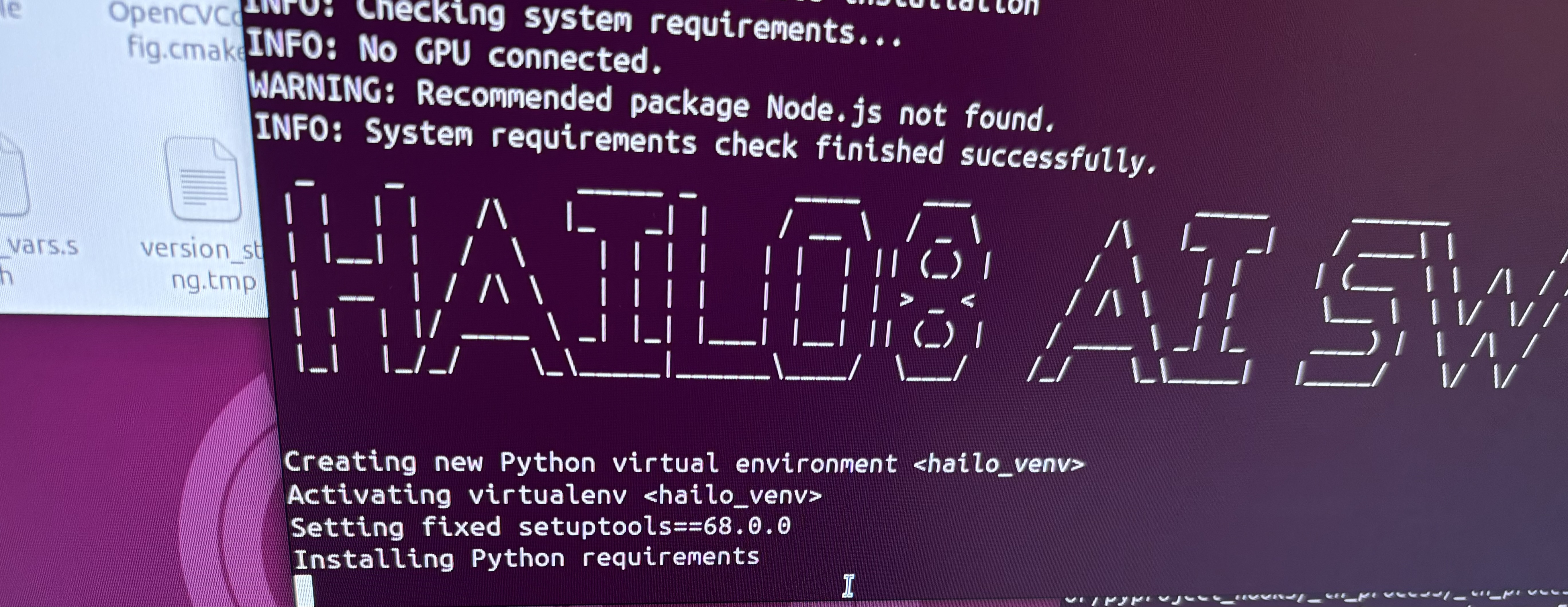
i tried installing hailo SW suite using the guide from RidgeRun Developer Wiki, but as i ran the “./hailo8_ai_sw_suite_2025-10.run” command, the installer gets stuck at “installing python requirements”… any fix to this issue?
i really need to benchmark/evaluate my custom models to get FPS / mAP
The issue might be conflicting Python & pip installations with a mix of versions and maybe even sudo installations, so once hailo-apps installed it’s not clear under what Python version.
Can you please share the installation command and the output?
I then tried to install it via docker and i think i was successful.
Could you please guide me step by step on how to convert a custom model to HEF, and subsequently to benchmark/ evaluate its performance (for FPS, mAP, power usage while running)
I’m facing the issue where I cannot evaluate the .hef models (obtained from the model zoo) on the software suite (installed via docker).
Device details: 2x hailo-8
OS: Linux
Architecture: x86
Noticed that there’s some compatibility notice on the github hailomz page. I’m using hailo-8 device but my model zoo version is v5.2.0. Please give me a step by step guide to eval the yolov11.hef models on the model zoo, thanks!
Note: previously tried to run but there was compatibility issue, only working for Hailo-10.
The issue is that Model Zoo v5.2.0 is for Hailo-10/15 only. To evaluate YOLOv11 HEFs on your Hailo-8, install the Hailo AI SW Suite Docker for Hailo-8, which includes Model Zoo v2.17, DFC v3.33.0, and HailoRT v4.23.0.