Hi Hailo team/community,
I’m comparing the inference performance of the same YOLOv11s car detection model on Hailo-8L and Hailo-8.
The model is compiled as a Hailo HEF and I’m running it using hailortcli.
Hailo-8L
- Inference FPS: 52.45 FPS
- Approx. latency: 19.07 ms
Hailo-8
Using:
hailortcli run ~/hef_models/yolov11s_car_hailo8.hef \
    --measure-latency \
    --measure-overall-latency
I get:
HW Latency:       13.12 ms
Overall Latency:  15.46 ms
The normal streaming run gives approximately:
FPS: 64 FPS
I also tested the Hailo-8 in both power modes:
--power-mode performance
FPS: 64.46

--power-mode ultra_performance
FPS: 63.86
So there is essentially no performance difference between performance and ultra_performance.
My question
Given that Hailo-8 has approximately twice the theoretical TOPS of Hailo-8L, I expected a larger performance improvement.
Instead, I am seeing approximately:
Hailo-8L:  ~19.07 ms
Hailo-8:   ~13.12 ms HW latency
or about a 31% reduction in hardware latency, rather than something close to 2×.
Is this expected for this type/size of YOLOv11s network?
Could the limitation be related to:
- Hailo core/cluster utilization
- LCU utilization
- Memory bandwidth
- Network architecture / layer parallelism
- Dataflow/compiler mapping
- Batch size
- Some other hardware resource that doesn’t scale linearly between Hailo-8L and Hailo-8
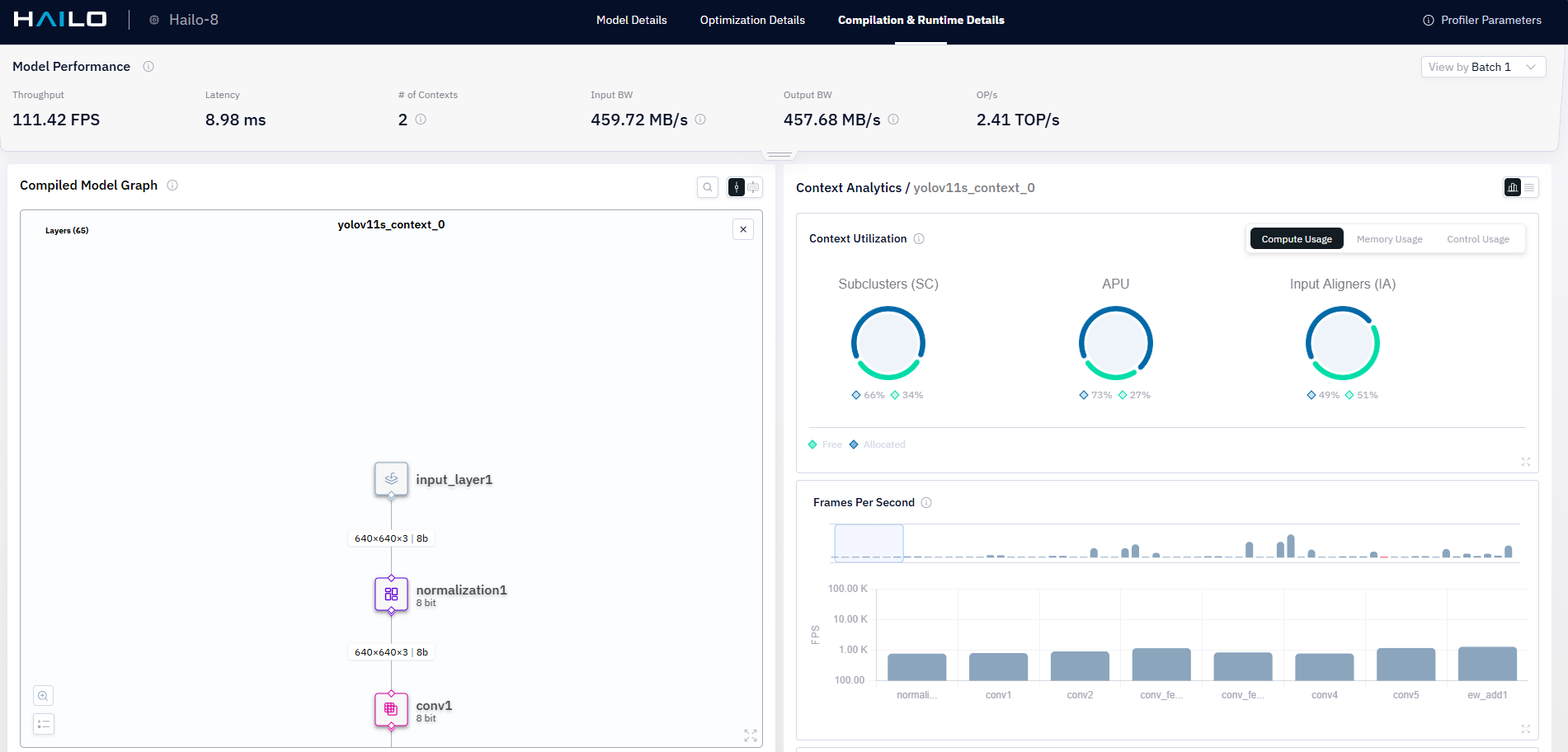
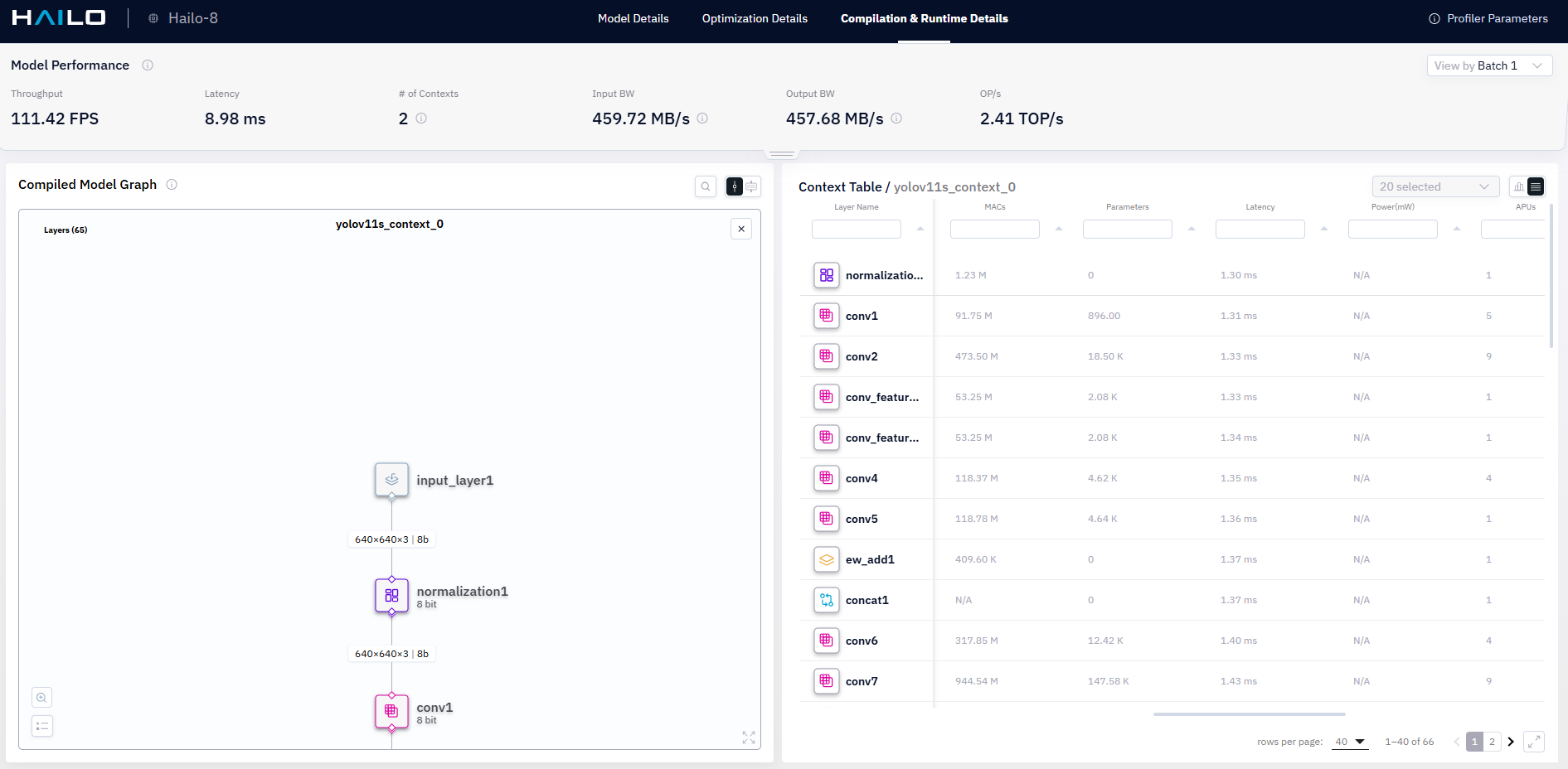
Is there a recommended way in HailoRT 4.24 to determine how much of the Hailo-8 compute resources are actually being utilized by this HEF?
I have also collected runtime data from the HEF and can provide the profiler output if that would help.
Thanks!