Hello,
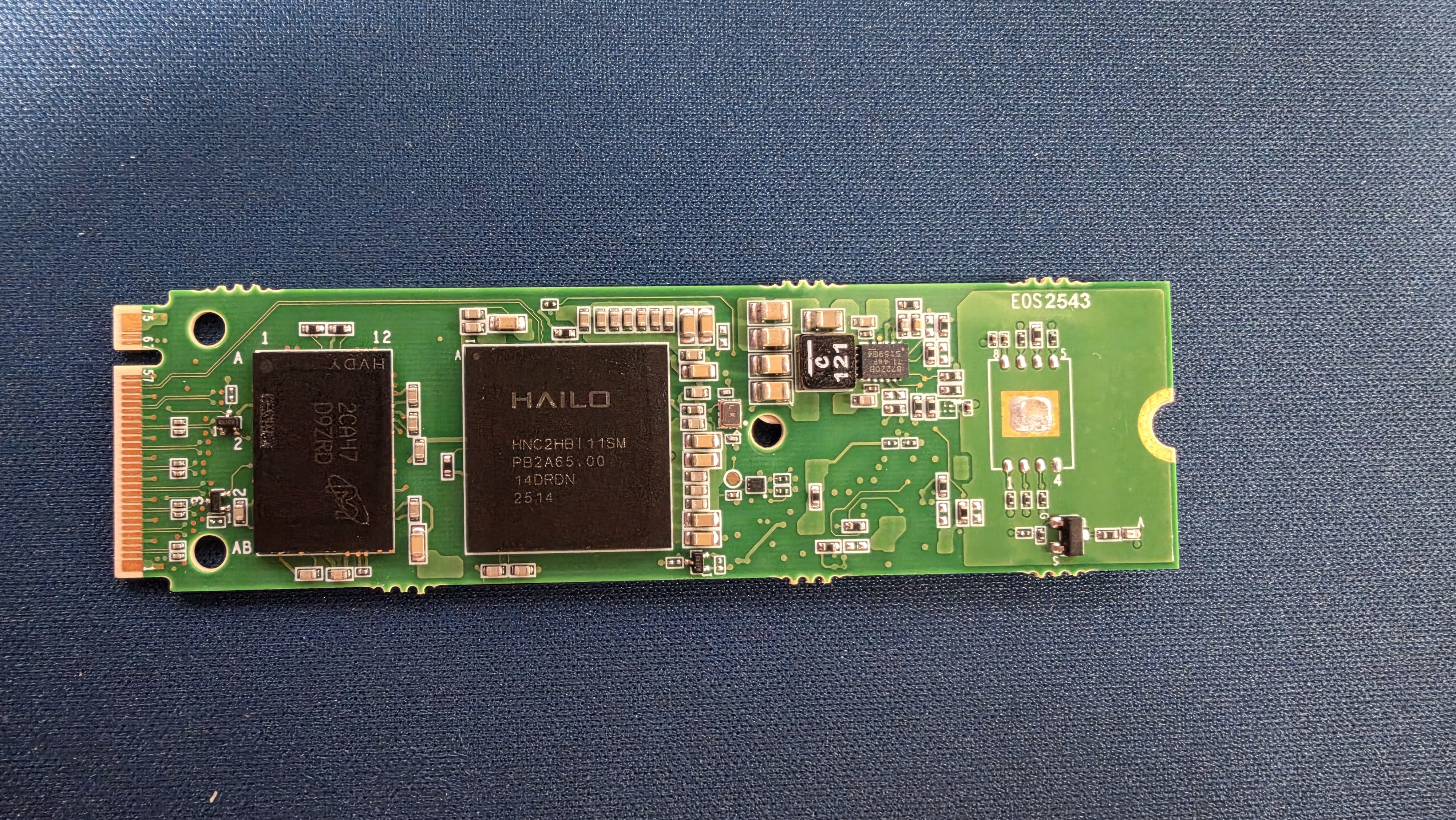
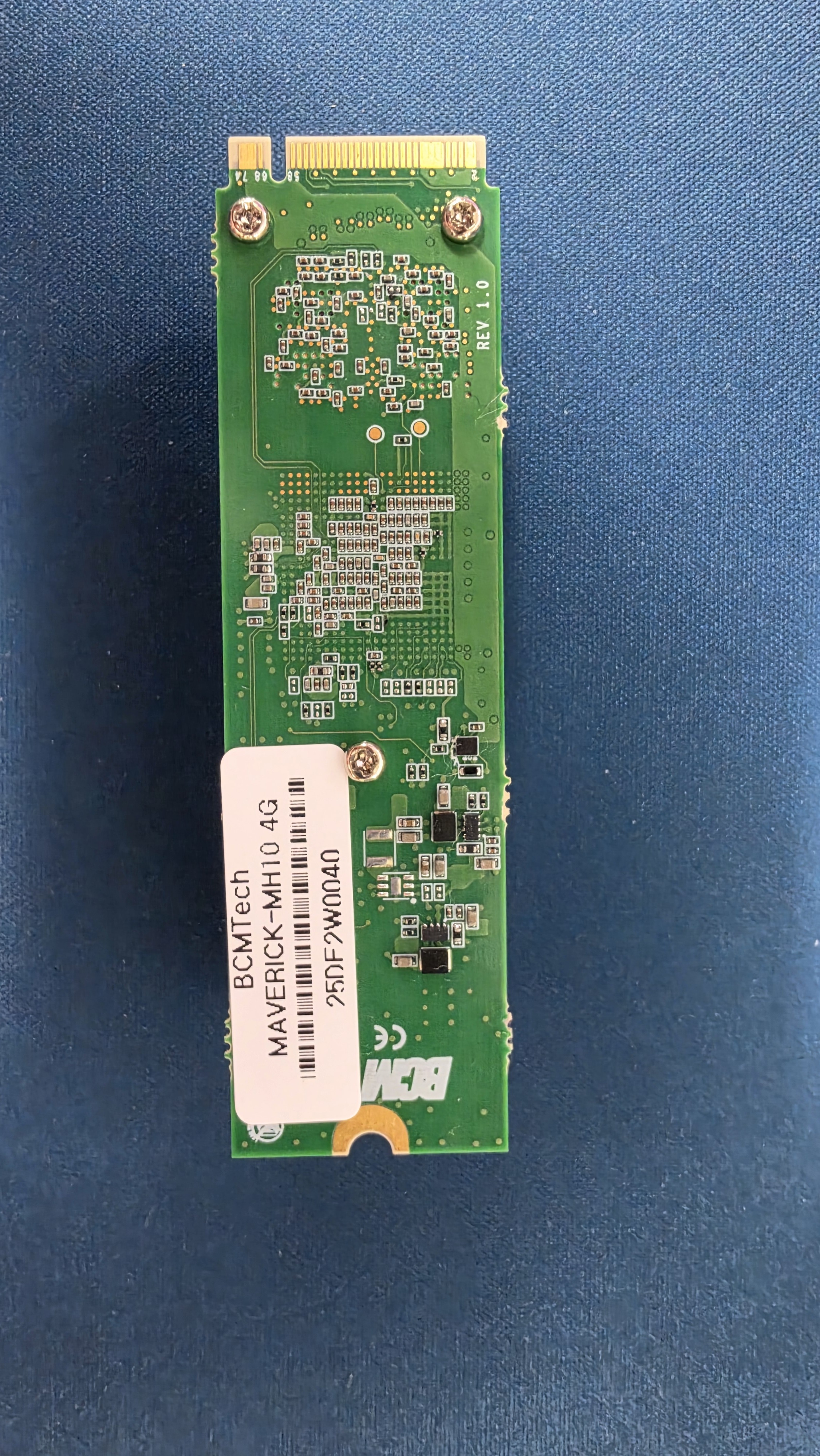
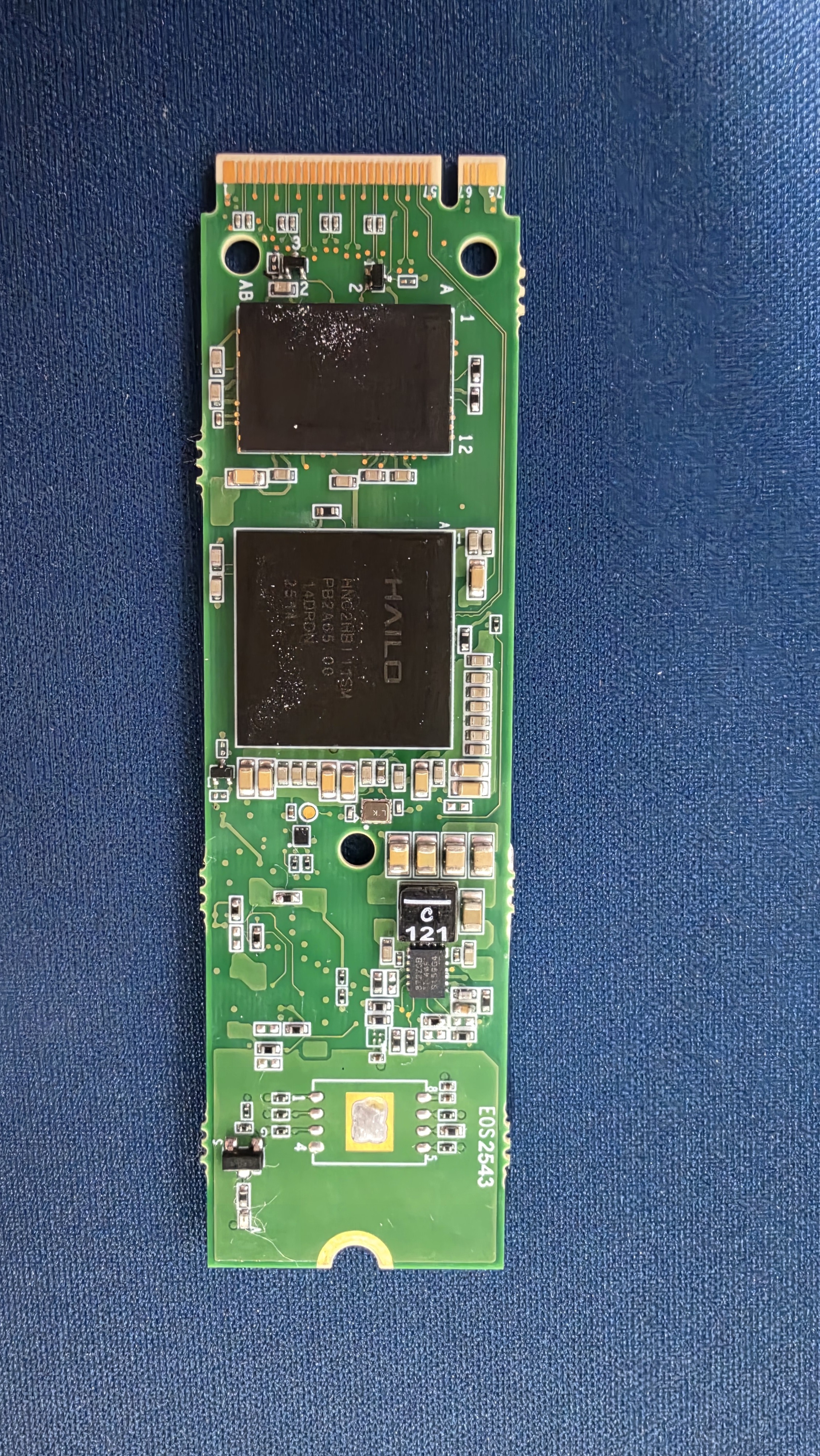
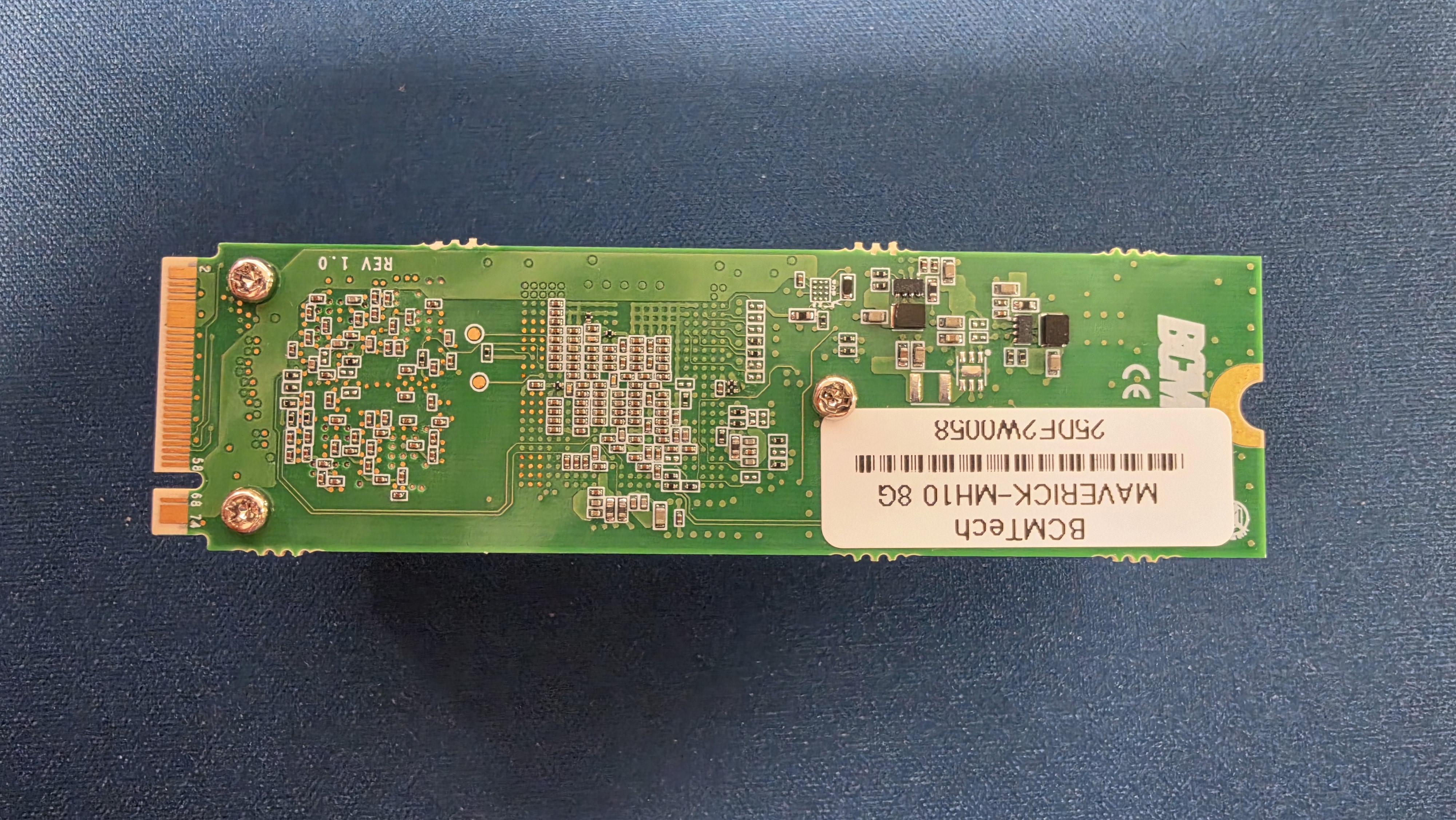
We are testing several Hailo-10H M.2 modules, including both 4GB and physically populated 8GB variants, and have encountered what appears to be a board SKU / DDR configuration issue.
Our environment is:
Ubuntu 22.04
HailoRT:             5.4.0
PCIe Driver:         h10-hailort-pcie-driver 5.4.0
Kernel Module:       hailo1x_pci 5.4.0
Device Firmware:     5.4.0
Device Architecture: HAILO10H
The Hailo-10H devices are successfully detected and operate normally over PCIe.
However, both the 4GB and physically populated 8GB modules report:
Board SKU-ID: 1
During boot, the host driver therefore loads:
Board SKU-ID is: 1
Writing file hailo/hailo10h/u-boot-1.dtb.signed
On an 8GB module, the device-side Linux runtime then reports:
Machine model: Hailo - Hailo10 (board-sku-1)

Memory: 3247004K/4194304K available
Therefore, the device is booting with a 4GiB physical memory map, even though the module is physically populated with 8GB DRAM.
Test with the SKU-6 DTB
For diagnostic purposes only, we temporarily replaced the content loaded as:
u-boot-1.dtb.signed
with the provided:
u-boot-6.dtb.signed
while leaving the actual board SKU-ID unchanged.
After a cold boot, the driver still reports:
Board SKU-ID is: 1
Writing file hailo/hailo10h/u-boot-1.dtb.signed
but the same 8GB physical module now reports:
Memory: 7361420K/8388608K available
So the full 8GiB address space becomes available when the SKU-6 DTB configuration is used.
This suggests that the physical DRAM itself is working and that the observed 4GB limitation is related to the SKU-dependent DTB / DDR configuration.
We would appreciate clarification on the following points:
-
What are the expected Board SKU-IDs for the official Hailo-10H 4GB and 8GB M.2 variants?
-
Is
Board SKU-ID: 1expected for an 8GB M.2 module? -
What board/memory configurations do
u-boot-1.dtb.signedandu-boot-6.dtb.signedrepresent? -
If an 8GB module was provisioned with an incorrect SKU-ID, is there an official method to re-provision the SKU/DDR configuration?
-
Is SKU configuration stored through GPIO straps, OTP/eFuse, EEPROM, or another board-specific mechanism?
-
Is there a supported way for the PCIe driver to select a DTB per physical device, rather than globally by the reported SKU-ID?
-
Is it safe and supported to use the SKU-6 DTB on this 8GB M.2 module, or could other board-specific settings such as DDR timing, PMIC configuration, or power configuration differ?
-
Is there another software-visible identifier (part number, board revision, EEPROM field, etc.) that can be used to reliably distinguish a 4GB module from an 8GB module?
Mixed 4GB / 8GB configuration
Our final target system contains:
2 x Hailo-10H 4GB
2 x Hailo-10H 8GB
on the same host.
Currently, all modules report SKU-ID: 1, so replacing u-boot-1.dtb.signed globally is not a viable solution, because the 4GB and 8GB devices require different memory configurations.
We could technically modify the PCIe driver to select different DTBs according to the PCI BDF or device serial number, but we would prefer to use an officially supported mechanism rather than maintaining a custom driver patch.
Could you please advise on the recommended way to handle this configuration?
Thank you.