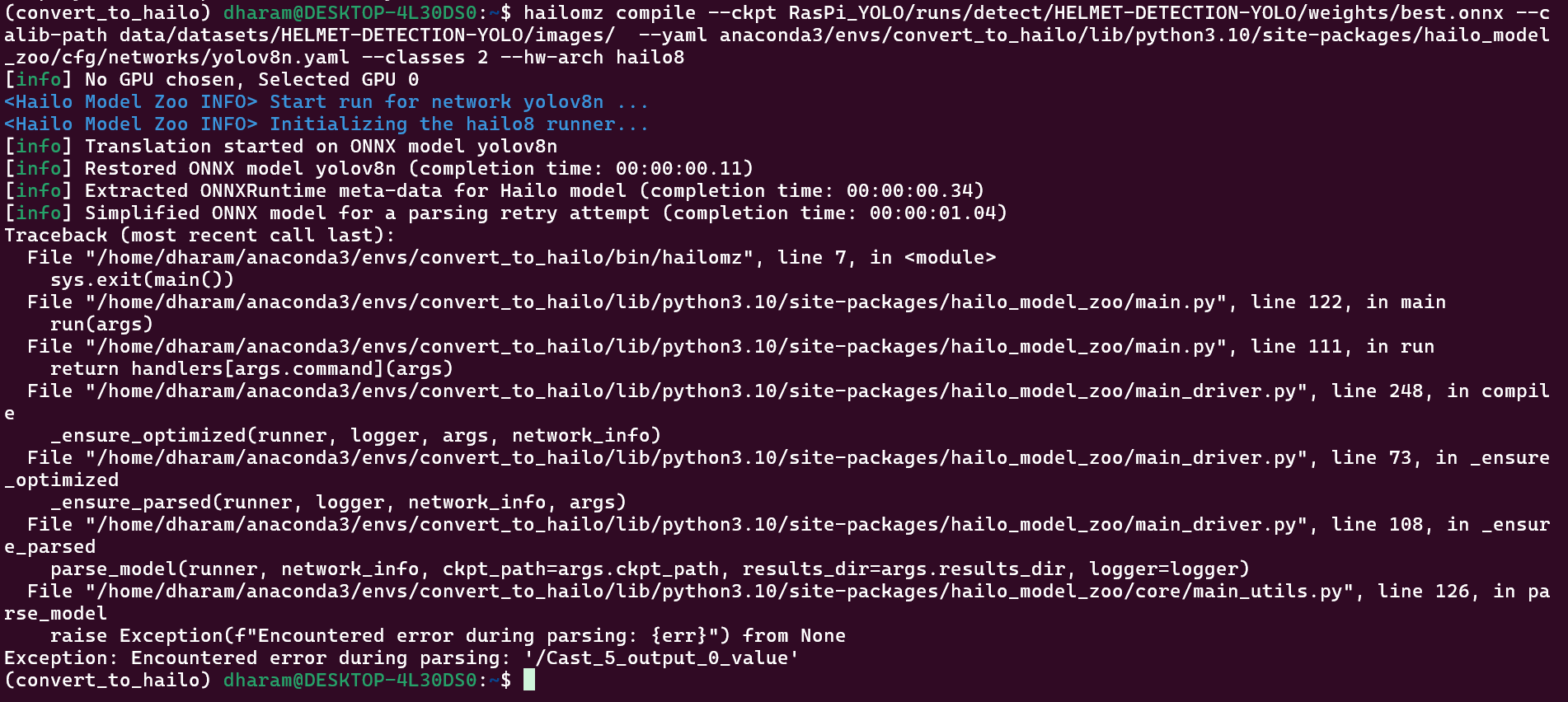
Hi, I am getting this error when running hailomz compile. Is it known error ?
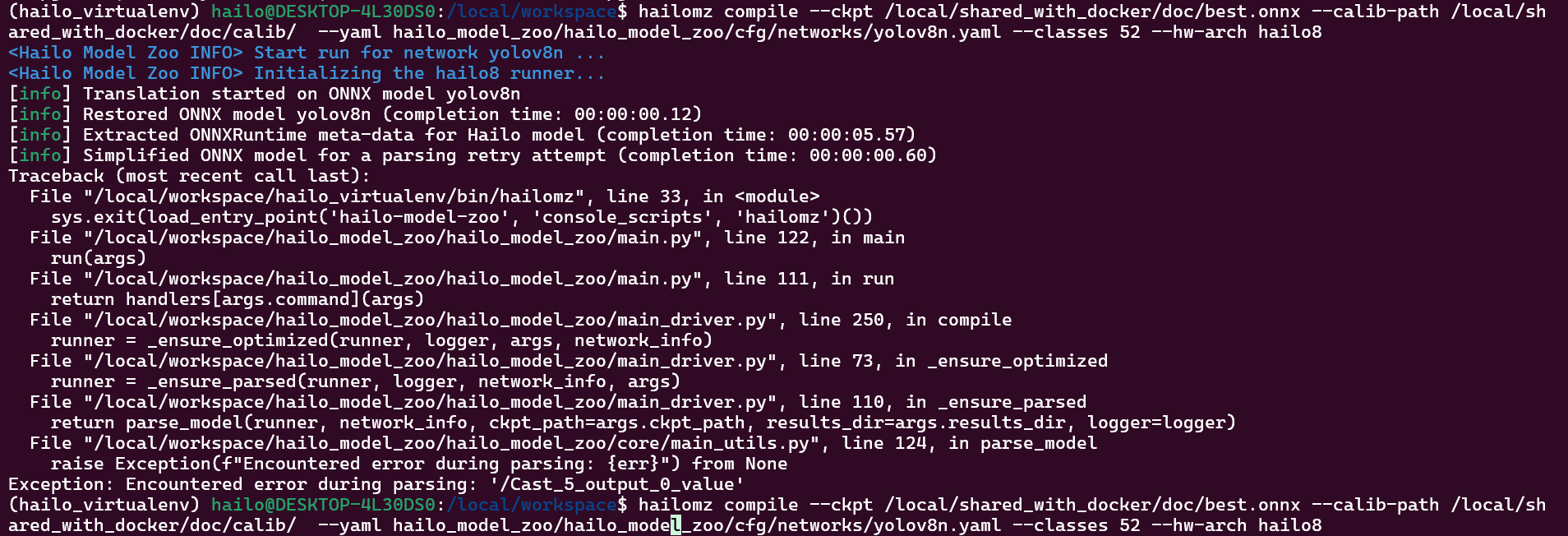
The above one is when using docker container.
Now this image is with DFC.
Please reply if there is a potential solution.
Hey @Dharmendra_Sharma ,
Welcome to the Hailo Community!
Use the parse → optimize → compile flow instead of compiling directly. This gives you control over input/output nodes and other configurations that custom models often need.
Why This Error Happens:
The /Cast_5_output_0_value parsing error typically occurs due to:
- Unsupported ONNX operations - The Hailo parser encountered a
Castnode or operation it can’t handle - Node name mismatches - Your YAML configuration doesn’t match your model’s actual structure
- ONNX export issues - Incompatible opset versions or export settings
How to Fix It:
Step 1: Inspect Your Model
- Open your ONNX file in Netron
- Note the actual input/output node names
Step 2: Parse with Correct Node Names
hailomz parse --ckpt <your_model.onnx> \
  --yaml <your_custom.yaml> \
  --start-node-names <input_node> \
  --end-node-names <output_node1> <output_node2> \
  --hw-arch hailo8
Step 3: Optimize
hailomz optimize --har <parsed_model.har> \
  --calib-path <calibration_data> \
  --yaml <your_custom.yaml>
Step 4: Compile
hailomz compile --har <optimized_model.har> --hw-arch hailo8
Additional Tips:
- Update your YAML to match the node names from Netron
- Use at least 1024 calibration images for best results
If these steps don’t resolve the issue, please share your ONNX model and YAML config for deeper investigation.
Let me know if you need help with any specific step!
Hi @omria ,
Thank you for your answer.
BTW, I re-exported ONNX model from my .pt model using newer versions of Ultralytics 8.3.225 and Python-3.12.12 and torch-2.8.0+cu126 CPU in google colab.
It used Following version of ONNX and ONNXSlim.

After this export “hailomz compile” command worked perfectly both in case of docker and DFC.
Thank you.