Welcome to the Hailo Community!
Raspberry just released the next version of the Raspberry OS based on Debian 13 (Trixie). The hailo-all package has likely not been updated yet.
You can still install Raspberry Pi OS based on the previous version Debian 12 (Bookworm). You can download the image from the following link, make sure to use the 64-bit version.
https://www.raspberrypi.com/software/operating-systems/
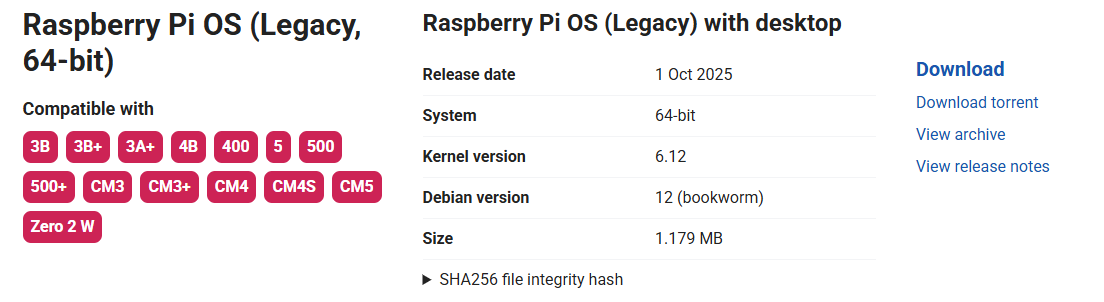
Then write it to your SD card using the imager with the Use custom option.

You probably should not run sudo apt full-upgrade
You can do regular update
sudo apt update && sudo apt upgrade
and then install the Hailo package.
sudo apt install hailo-all